
Set spending limits that stick




Overview
Limits fail when they are set from hope. A limit you can keep comes from what you actually spend, allows for the weeks that are not average, and has a plan for the month it breaks.
Key Capabilities
Realistic, flexible, and forgiving.
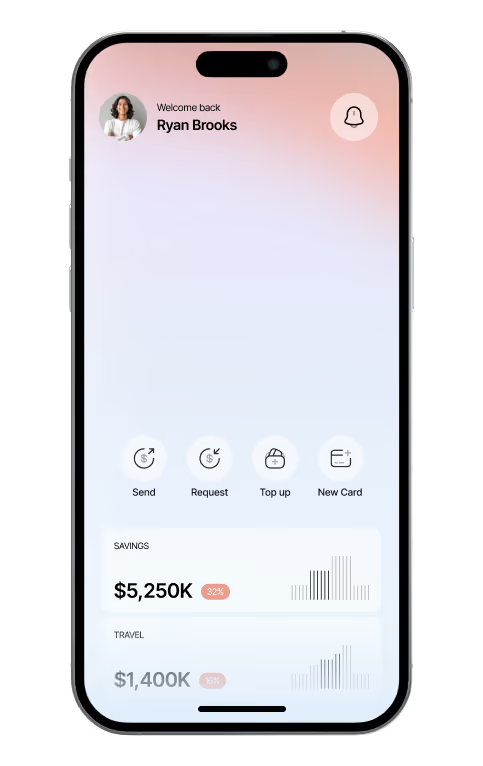
Finos sets limits with your history in view and tells you, mid-month, how the pace compares, so a miss is caught at day twelve rather than day thirty.
Limits from history
Each category opens at your three-month average; tighten it by a little, not a lot.
A pace line
How much of the limit you should have used by today, shown beside what you have.
A soft landing
When a category goes over, Finos suggests where next month can make it up.

Setup Instructions
Begin with the two categories that vary most. Fixed costs do not need limits; they need a calendar.
01 — Choose two categories
Usually food and going out; they move the most.
02 — Set the limit
Start at the average and lower it by ten percent.
03 — Check the pace
Finos nudges you when the pace line is crossed, not after the month ends.
Security & Privacy
Spending data is read from your accounts over encrypted connections and is never shared with third parties. Limits and alerts are yours alone unless you share the workspace.





Questions, answered clearly.
Your membership brings connected accounts, cards, budgets and goals into one workspace, with planning views, shared access controls and support included.
Yes! You can connect multiple bank accounts and payment cards in one place, making it easy to track transactions, monitor balances, and manage your finances.
Your financial data is protected with secure encryption, strict access controls, and industry-standard security practices to help keep your personal and financial information safe.
Yes! You can invite team members or trusted individuals to your workspace and manage their access permissions to ensure everyone can access only the information they need.
During the 14-day review, you can explore your financial activity, review connected accounts, and evaluate how well the platform meets your needs before making a final decision.
Absolutely! You can cancel your subscription, change your billing plan, or update your payment method at any time through your account settings.

Budgets and goals together